Backup and restore for Okta
Okta doesn't have an undo button.
DRIUS backs up your Okta configuration on a schedule, shows you what changed, and restores exactly what broke. You see every change before anything is written back.
Early access. Built by an Okta admin.- Mon 06:00complete
- Tue 06:00restore from here
- Fri 14:12group deleted
The problem
Small changes in Okta have side effects you don't see.
Groups, network zones and policies all point at each other. Change one, and the others change with it. Okta doesn't warn you, and there's no undo.
A group is deleted We tested this in a sandbox org.
A group is deleted
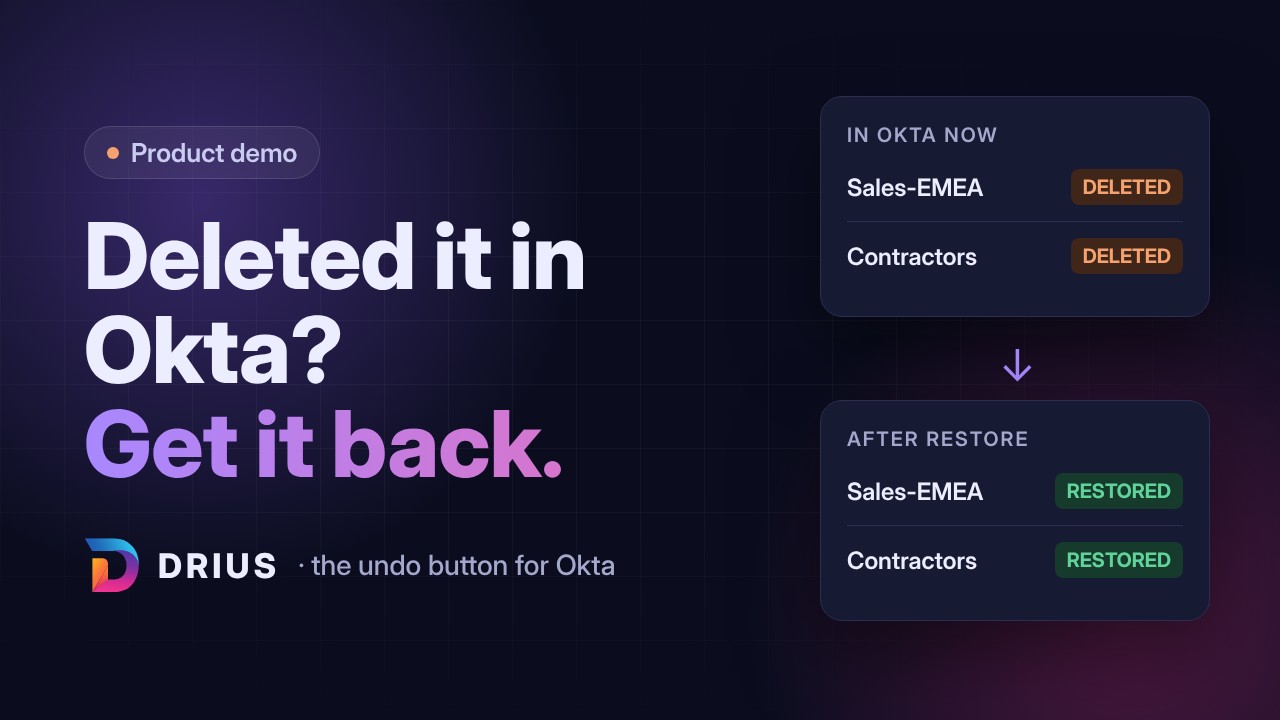
Sales-EMEANo recycle bin. Recreating it gives a new ID.
Okta removes it from rules
include: (empty)Any policy rule that used the group loses it.
The rule goes inactive
rule: INACTIVEThose people fall through to the next rule, with different MFA or access.
The policy still looks fine
policy: ACTIVEUnless you open every rule, you won't notice.
DRIUSRestores the group with its members, re-links it to the rule under its new ID, and tells you the rule needs turning back on.
A shared zone or policy rule is edited The edit you were nervous about.
One zone is edited
Corporate Office: 203.0.113.0/24 → /16A quick fix to add the new VPN range, with one wrong digit.
Many rules use it
Every rule that points at the zone changes at the same moment.
Access shifts everywhere
65,536 IPs now “office”Sign-ins from far outside the office are treated as inside, and skip the MFA they should get.
Nobody remembers the old value
203.0.113.0/24Rolling back means digging through tickets and screenshots for the range it used to be.
DRIUSKeeps every version of your policies, rules, groups and zones. The drift report shows what changed after the next backup, and the restore preview shows the old value next to the current one before you put it back.
How it works
Four steps, and you approve the last one.
Back up
Scheduled snapshots of policies, rules, groups, apps, zones and more.
Spot drift
After each backup, see what changed since the last one.
Preview
Pick what to restore and see each field: Okta now versus the backup.
Restore
Approve, and only those changes are written. Nothing else is touched.
The restore preview
See the change before it happens.
| Field | In Okta now | From the backup |
|---|---|---|
| Rule "Sales staff" status | INACTIVE | INACTIVE |
| Include groups | (none) | Sales-EMEA → new id 00g8x…a697 |
| Factor requirement | Any 2 factors | Any 2 factors |
| Network zone | Corporate Office | Corporate Office |
Turn the rule back on in Okta when you're ready.
Sample data
When the plan opens. You see Okta as it is right now.
When you click Queue restore. If someone changed Okta meanwhile, you get a fresh plan.
Right before the write. One last read. All three checks only read.
Security
You stay in control of the access.
Your app, your scopes
DRIUS connects through an API service app you create in your Okta org, with a private key. Revoke it anytime.
No passwords stored
We never store passwords, MFA secrets or end-user credentials.
Encrypted in AWS
Snapshots are stored in AWS S3, encrypted with AWS KMS.
MFA for every login
Every DRIUS user signs in with MFA.
Every action logged
Backups and restores are recorded in an audit log you can review.
Light on your rate limits
DRIUS uses a small share of your Okta API limits and backs off when Okta asks.
No SOC 2 yet. We're early. Ask us and we'll walk you through exactly how DRIUS is set up, and you can start on a sandbox org.
On the roadmap
Pricing
Simple, transparent pricing
No hidden fees. No complicated seat counts. Cancel anytime.
Starter
Perfect for small teams getting started with identity security.
- Scheduled backups (weekly)
- Snapshot viewer and Compare
- Drift report
- Restore individual objects
- Audit log (90 days)
- Email support
Pro
For growing teams that want more frequent backups and alerts.
- Everything in Starter
- Daily/weekly/monthly backups
- Drift email alerts (Coming soon)
- AI Advisor (Coming soon)
Enterprise
For larger organizations that need priority support and onboarding.
- Everything in Pro
- Up to 4 backups a day
- Priority support, same business day
- Dedicated onboarding
- Assisted policy migration between Okta orgs, included (Coming soon)
- SSO login for DRIUS (Coming soon)
- Slack notifications (Coming soon)
Add-on for any plan: assisted policy migration between Okta orgs (Coming soon). Included with Enterprise. for pricing.
Okta doesn't have an undo button. So I built one.
Meet the Founder
Built by an Okta admin.
Hi, I'm Andrius.
After managing Okta environments for years, I realized that existing solutions fell into two camps: expensive, clunky enterprise software or brittle, custom-written scripts.
I built DRIUS to be the middle ground I always wanted: a modern, beautiful, and affordable tool that makes backup and drift detection effortless. No complex setup—just secure identity management.

Andrius
Founder & Lead Engineer
FAQ
Questions admins ask us.
What access does DRIUS need?
An API service app in your Okta org with read scopes for backup and drift. Restore needs the matching manage scopes, which you can add later.
Can I try it without touching production?
Yes. Start on your Okta preview or sandbox org.
Is my Okta data safe?
Yes. DRIUS is built to minimize data exposure and keep your backups under your control.
What we store
- Your Okta configuration: apps, groups, policies, rules, network zones, authenticators and more.
- Users and group memberships, so memberships can be restored.
- We never store passwords, MFA secrets or end-user credentials.
Access
- DRIUS connects through an API service app you create in your Okta org, using a private key. You choose the scopes and can revoke access at any time.
Where snapshots are stored
- Snapshots are stored in AWS S3 DRIUS-managed encrypted storage (encryption at rest, e.g., AES-256 where supported).
Security controls
- Encryption in transit for all API traffic.
- Encryption at rest for stored snapshots (where supported by the storage backend).
- Audited actions.
Your control
- Contact us to request a copy of your data.
Do I need Terraform experience?
No. DRIUS talks to the Okta API directly. No scripts, no state files.
How much storage do I need?
None. We host the secure storage for your snapshots. Retention depends on your plan.
Can DRIUS run on-prem?
Currently DRIUS is a SaaS solution to ensure rapid updates and maintenance-free operation. Contact Enterprise sales if you have strict data residency requirements.
Can DRIUS copy policies from my Okta preview org to production?
That's coming soon as an assisted service, available as an add-on on any plan and included with Enterprise. We run a read-only check against both orgs first and share the results with you. Nothing is written until you've reviewed them. Policies and rules that are missing in the target org are then created. We use temporary access to the target org and remove it as soon as the migration is done.
What happens if I cancel?
We keep your data for 30 days post-cancellation as a grace period before permanent deletion.
Give your Okta an undo button.
Early access is open to a small group of Okta admins.